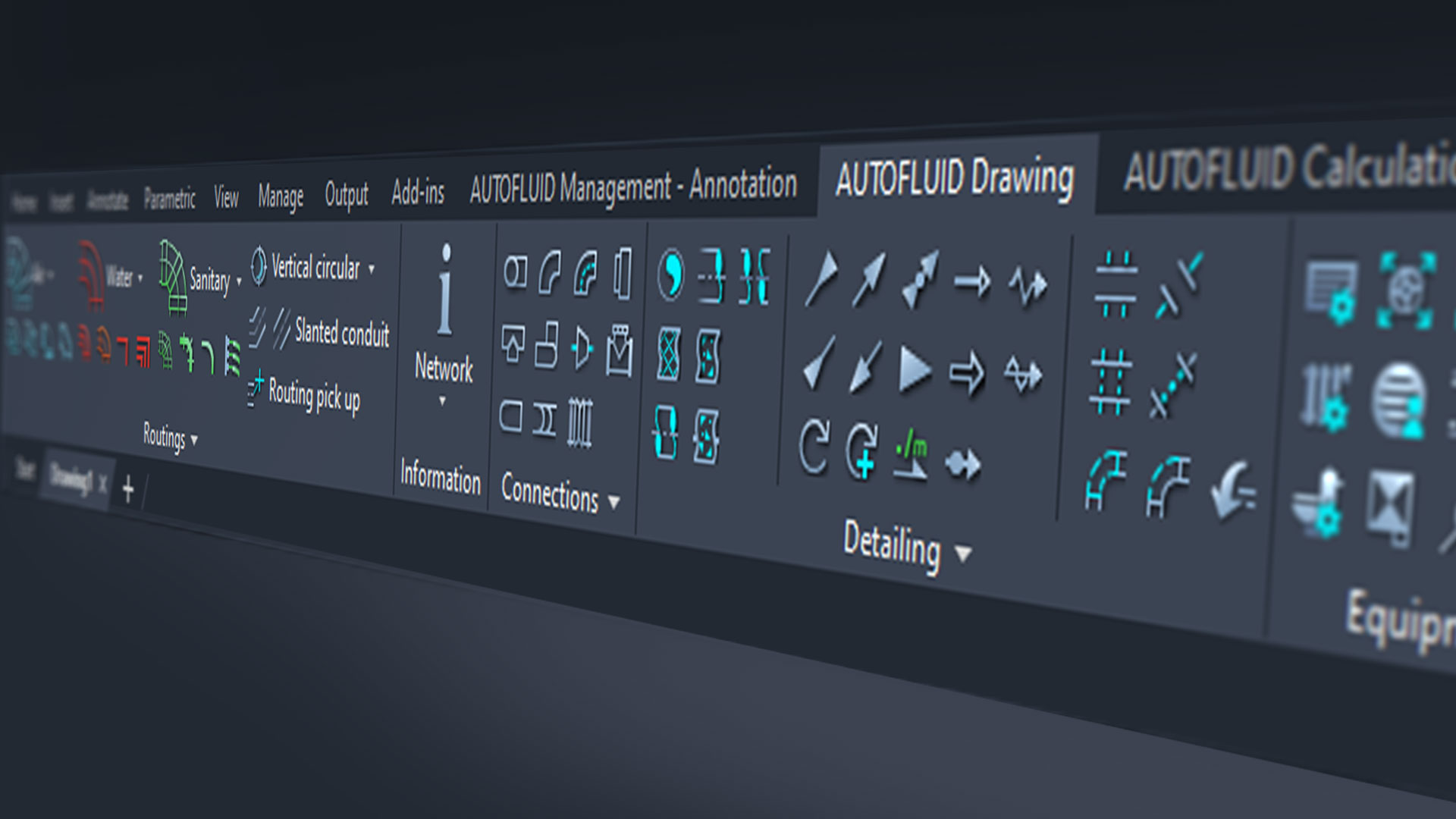
COMPATIBILITY
- Compatibility with BricsCAD V26
ROUTING
- Correction on the “Inspection plug” command for single-line conduits.
- The routing commands automatically position the 2D network that you are drawing on a Z=0 coordinate.
- Option to customise the length of rectangular to circular transformation parts and rectangular reduction parts.
- Improved routing control for under-slab networks: network highlights when selected, better pick up on the end of an under-slab tub, network information is saved when networks are repositioned or when extra pipes are added to the network array.
- Insulation on drain pipes is enabled for particular cases.
3D
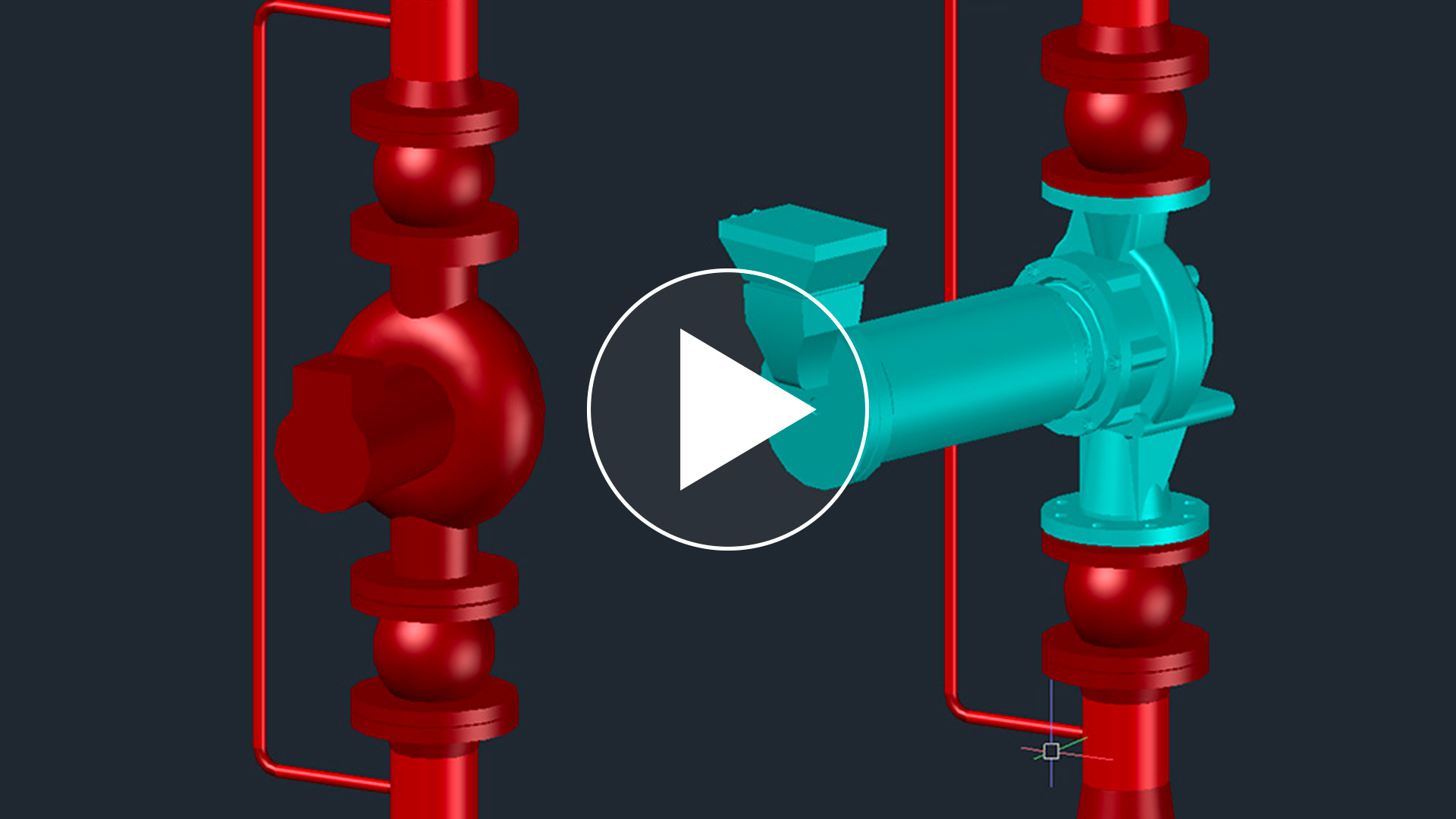
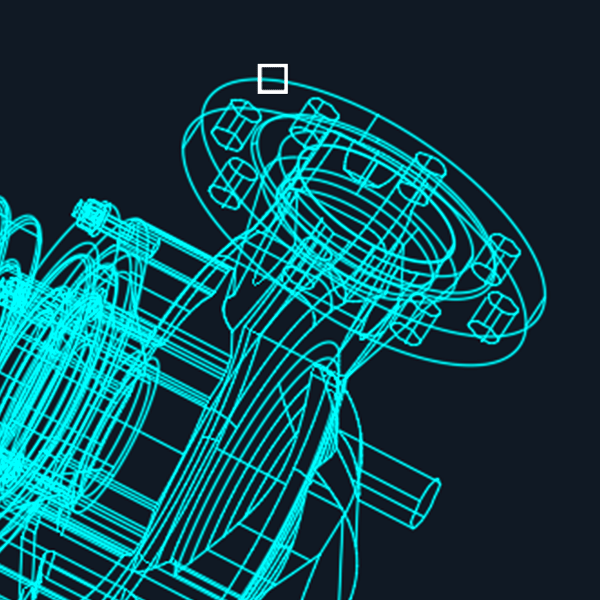
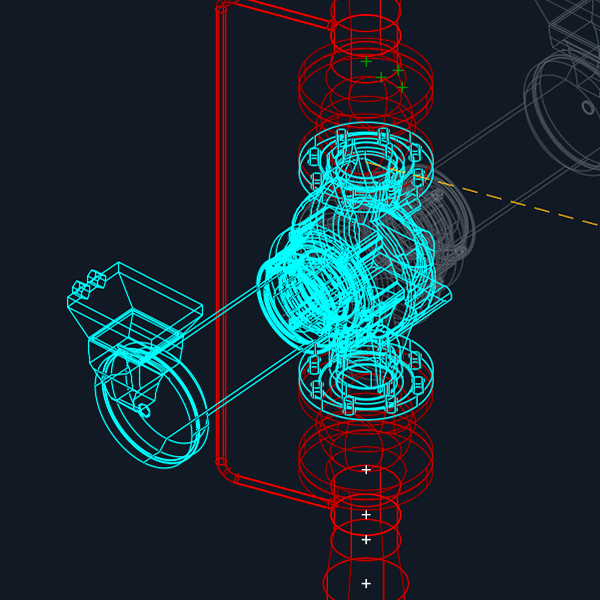
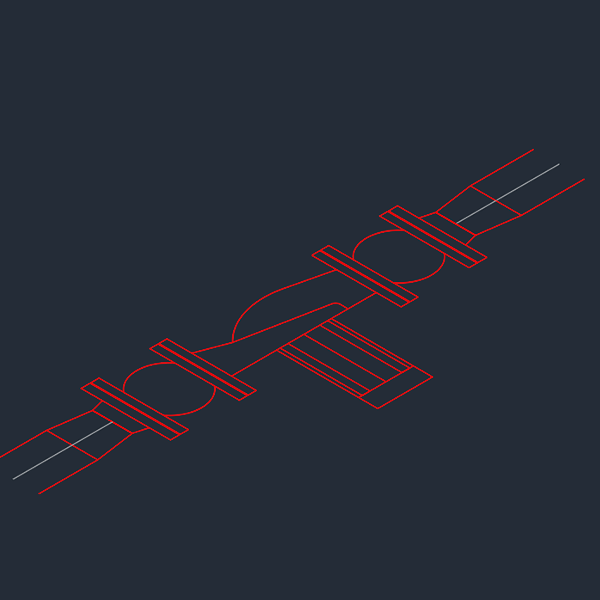
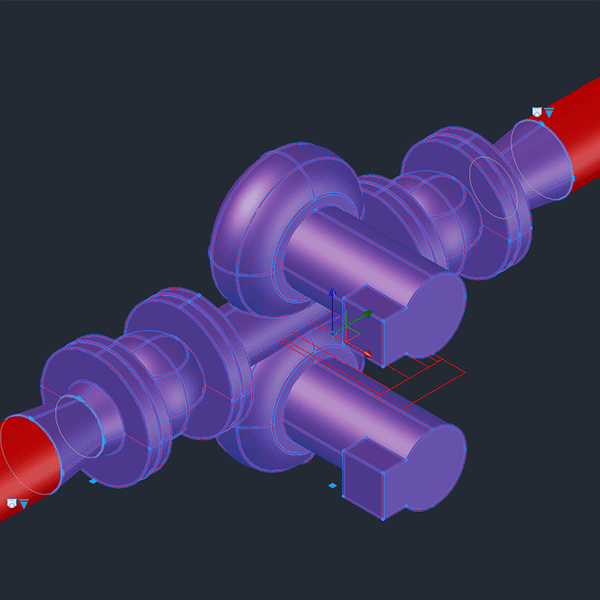
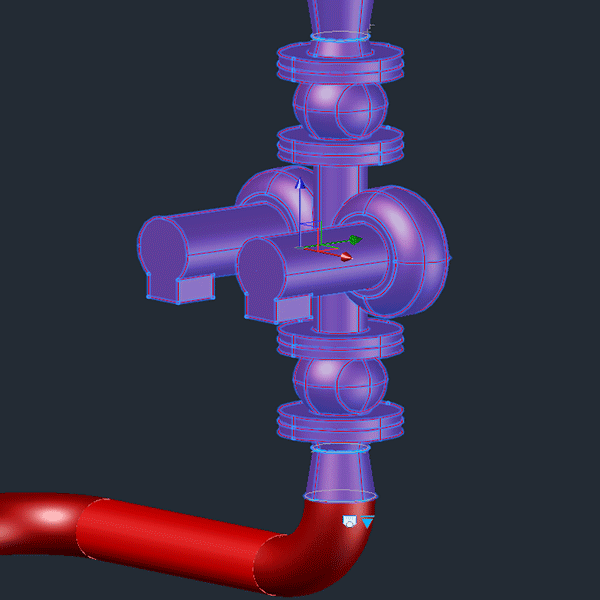
- New “Position a 3D block” command. Position non AUTOFLUID 3D parts blocs on the network, at the right orientation, in 2 clicks.
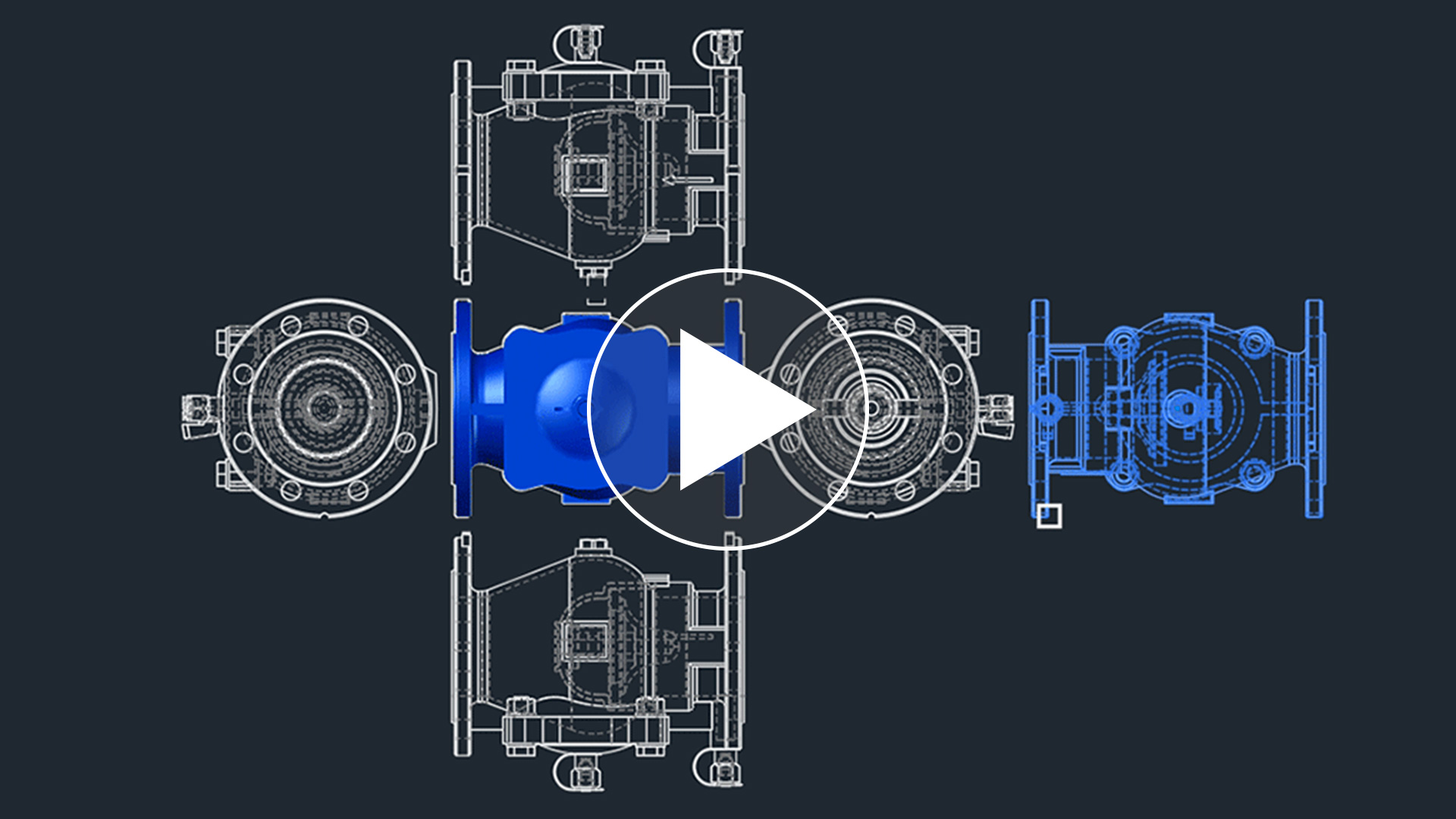
- New « 2D views of a 3D block» command. Easily extract a 2D view of a 3D block. AUTOFLUID automatically draws the 6 views of the block. All you have to do is choose the one that suits you best.
- Corrections to the modelling of Y branches.
PRESSURE LOSS AND NETWORK DIMENSIONS CALCULATION
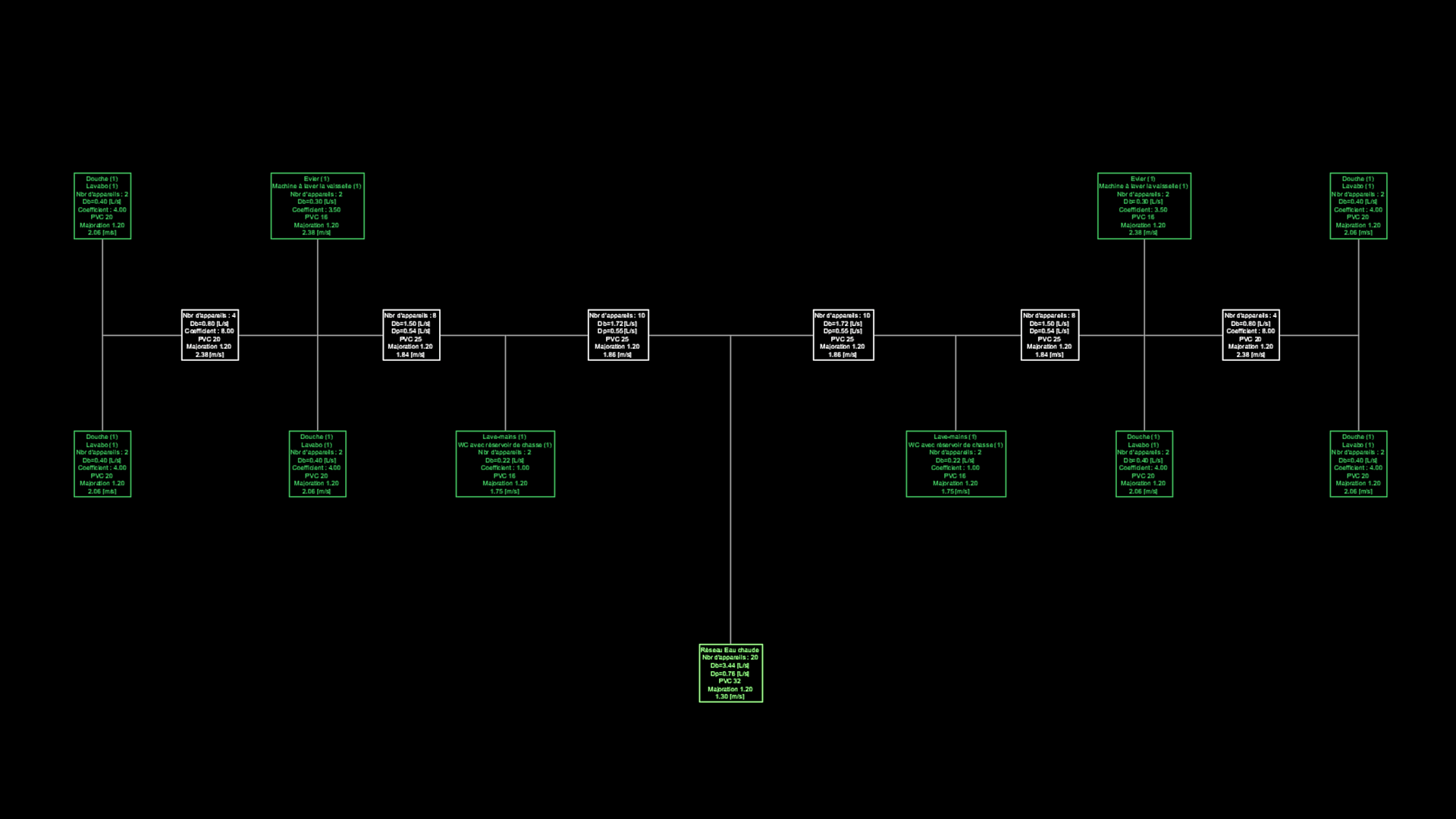
- Possibility of “forcing” the length of vertical ducts to suit the position of any fittings or equipment.
- Correction to the reading of 45° connections angle.
- Option to overwrite or rename an existing calculation.
- Previous network specifications used are stored for the next time the dimension calculation command is started.
IMPROVEMENTS TO THE LINK BETWEEN AUTOFLUID AND ITS SERVER
- Distance maintenance on AUTOFLUID. Your AUTOFLUID software can be patched by the development team without having to install an update or a patch.
- Automatic checking and correction of spaces or additional unwanted characters in IDN activation codes that are pasted into the licence manager.
- Explanatory messaging when activation fails.
- Explanatory messaging when using commands that are not activated by the IDN code currently used.
- Faster and more reliable communication between AUTOFLUID and its server.
DRAIN NETWORK SLOPE ANGLE INFORMATION
- Customisable prefixes and suffixes on the slope information text.
- Automatic slope value displayed if altimetry is set.
IMPROVED MODIFICATION COMMANDS
- Improved movement for Y branches, PVC glued elbows, valves and fittings on single-line networks.
- New prompts in the command line when using the « move Branch » command.
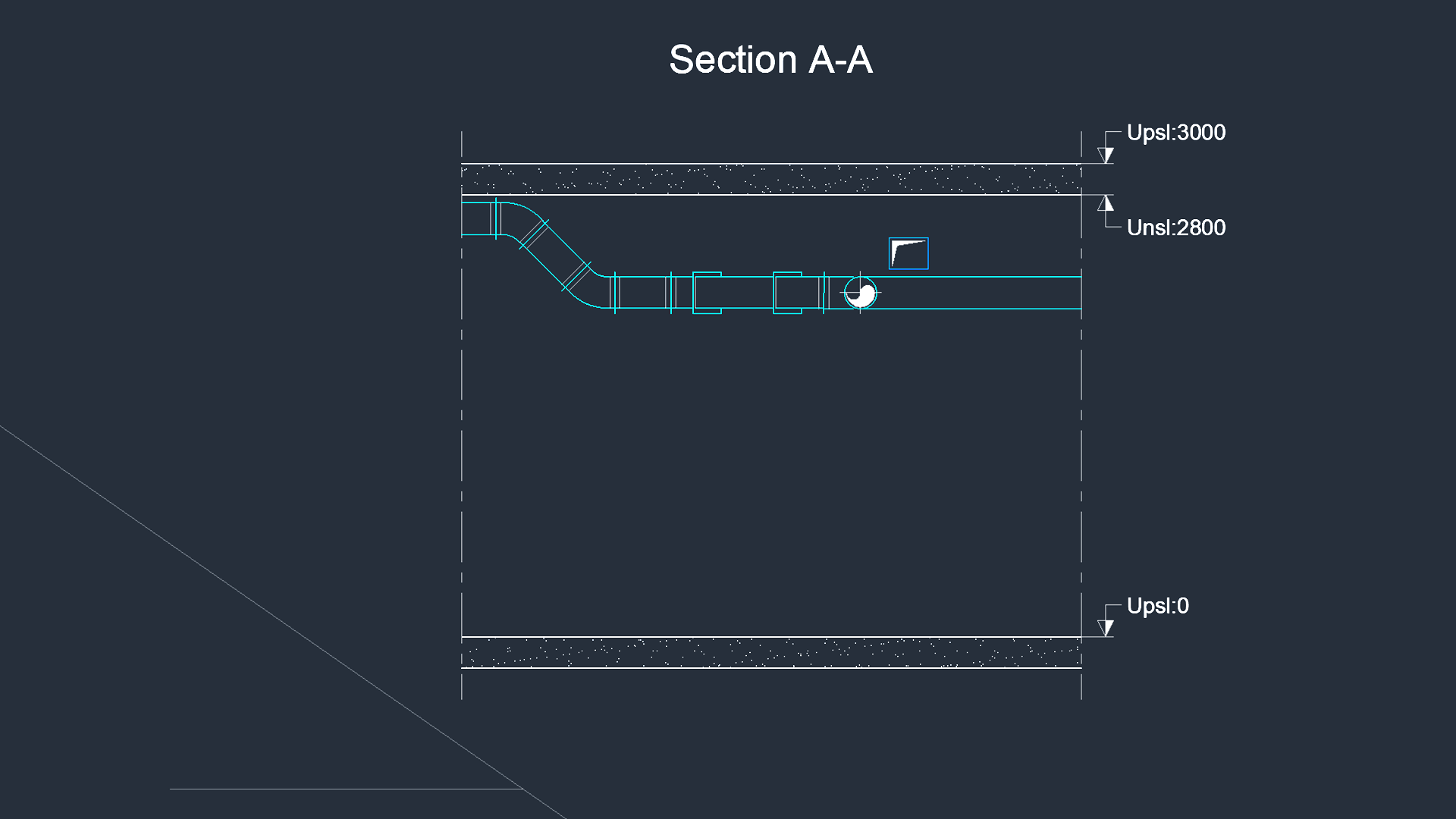
AUTOCOUPE
- “Hover over plan view” mode when creating the section.
- Choice of positioning the cross section in the direction of the section line or in the direction of the UCS.
- The floor levels can be viewed and modified by clicking on the cross-section line.
PREFERENCES
- Unlock access to floor level configuration with all AUTOFLUID software.
RESTRUCTURING A PIPE
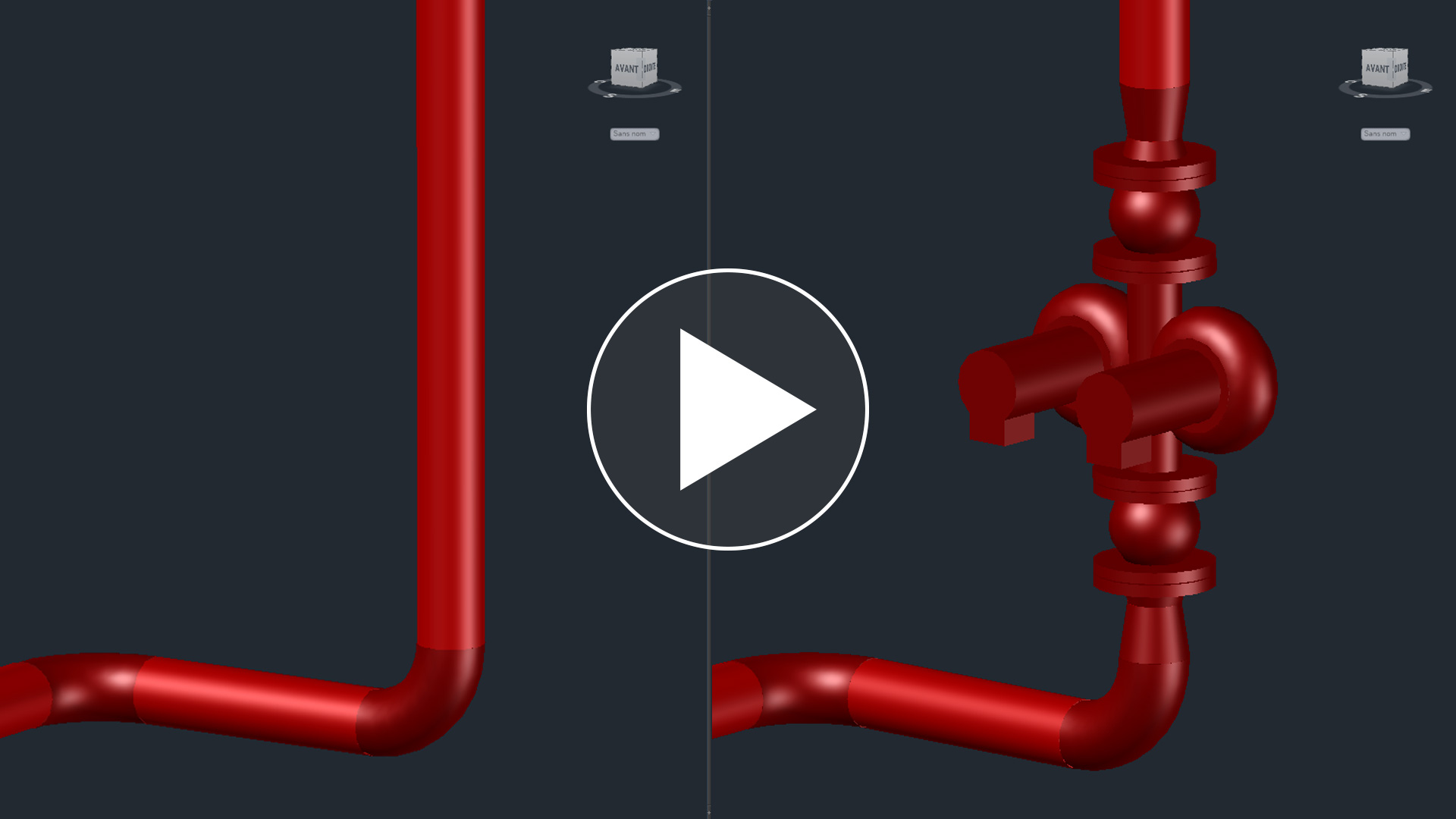
- When restructuring a pipe, AUTOFLUID also allows the design to be adapted to the required diameter.


 INFINITY book a demo Your HVAC & plumbing design software keeps getting faster